How to Recover a Forgotten Account Password
Forgot Password
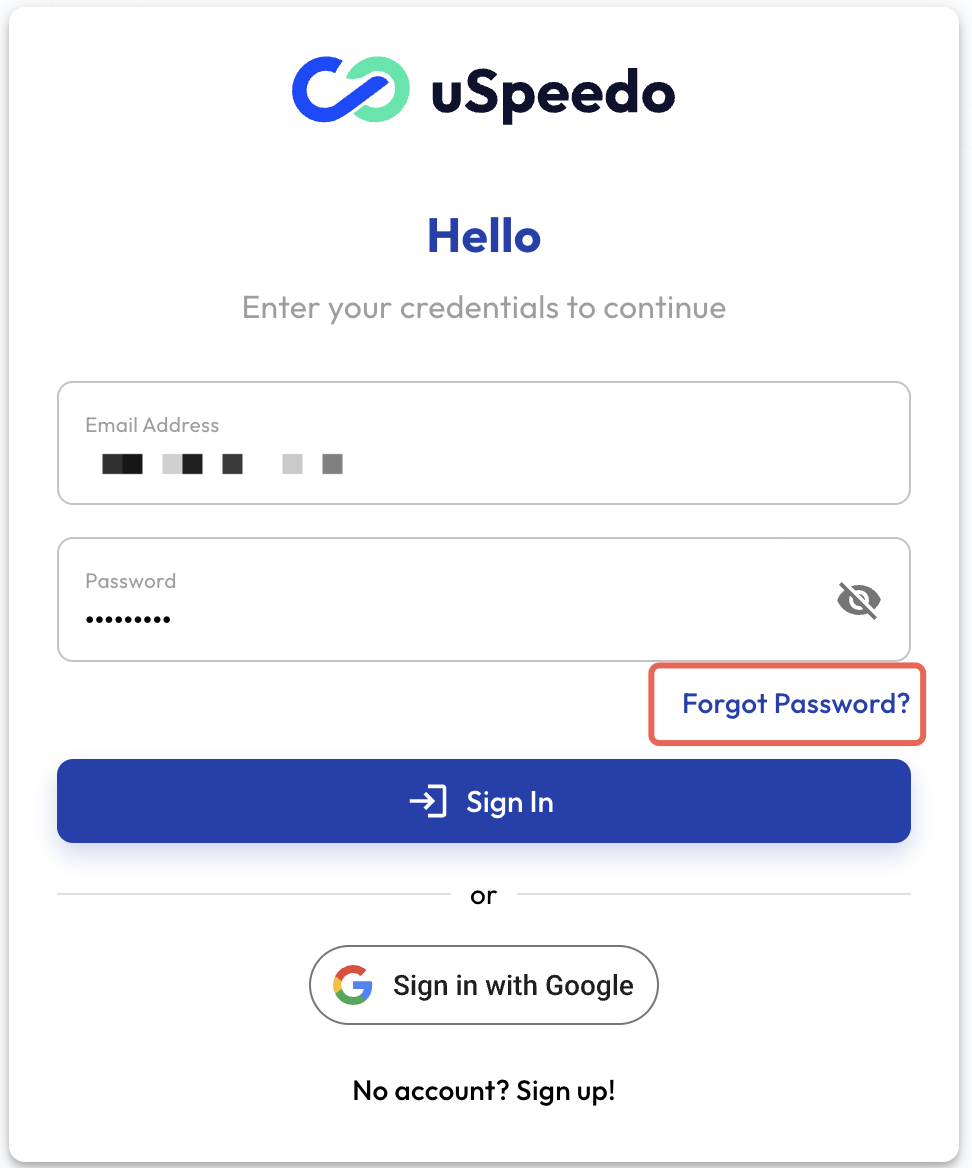
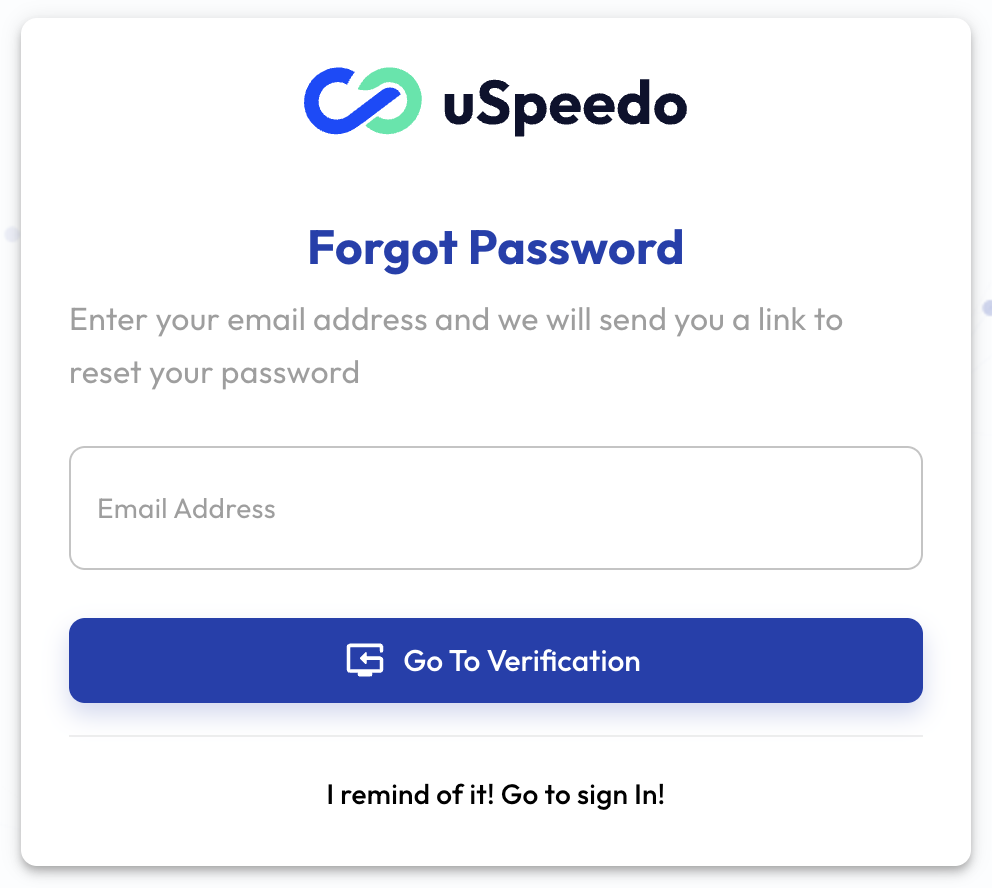
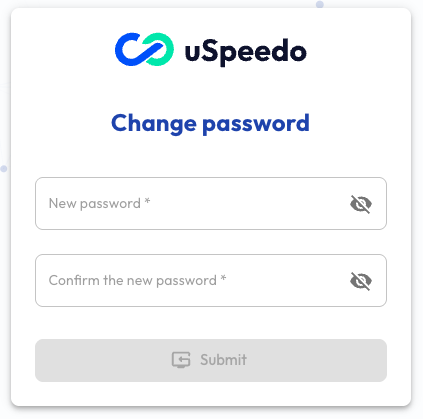
If you have forgotten your password, you can click "Forgot Password" on the login page and enter your registered email address to reset it.
Forgot Account
If you have forgotten your account, you can contact us by email. Please provide the following information to your sales or operations contact, or send an email to: support@uspeedo.com. After we verify the information, we will confirm and process your request.
Required Information
- Registered Email Address [Required]
- Bound Phone Number [Required]
- Account Balance, Products Used, Recharge Methods, etc. - Any information that can prove your account ownership
Reset Password in the System
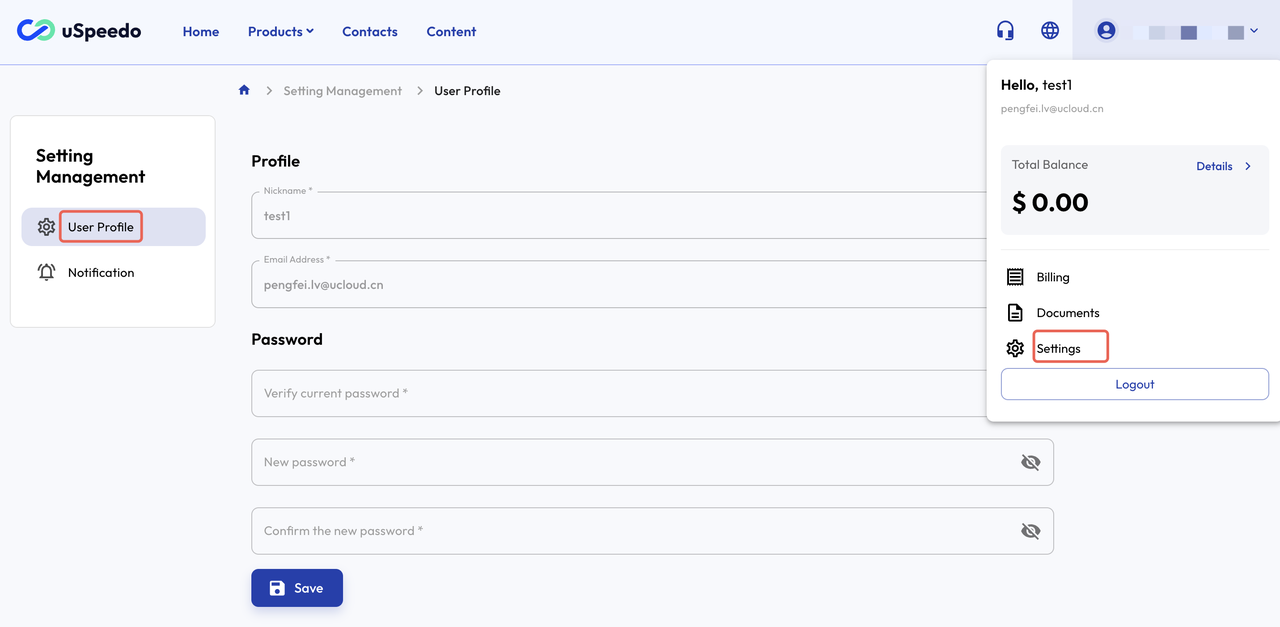
If you are already logged into the system, you can reset your password in the following way:
- Click on the Registered Email in the upper right corner
- Navigate to the User Settings page
- Reset your password on the Settings page