Integrate via SMTP
1. Sign in to the console
Visit and sign in to the uSpeedo Console.
If you do not have an account yet, please register first: https://console.uspeedo.com/email/setting?type=smtp.
2. Obtain SMTP credentials
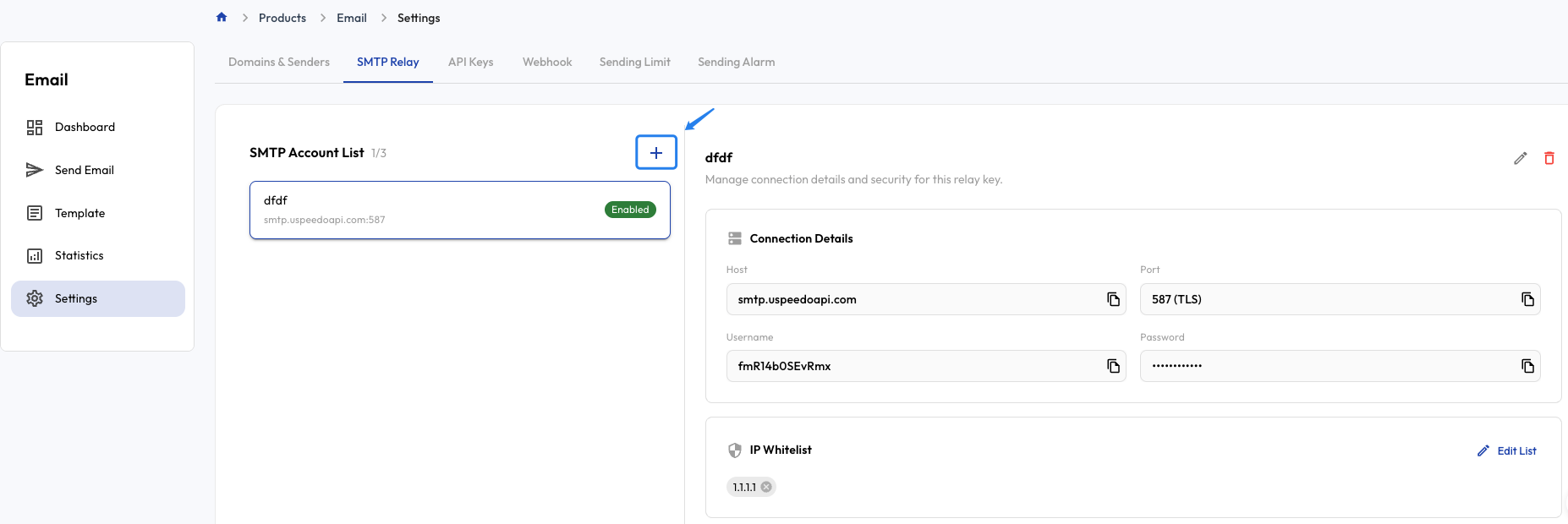
Open SMTP account management.
Note: when creating a new SMTP account, you need to fill in your server's outbound public IP.
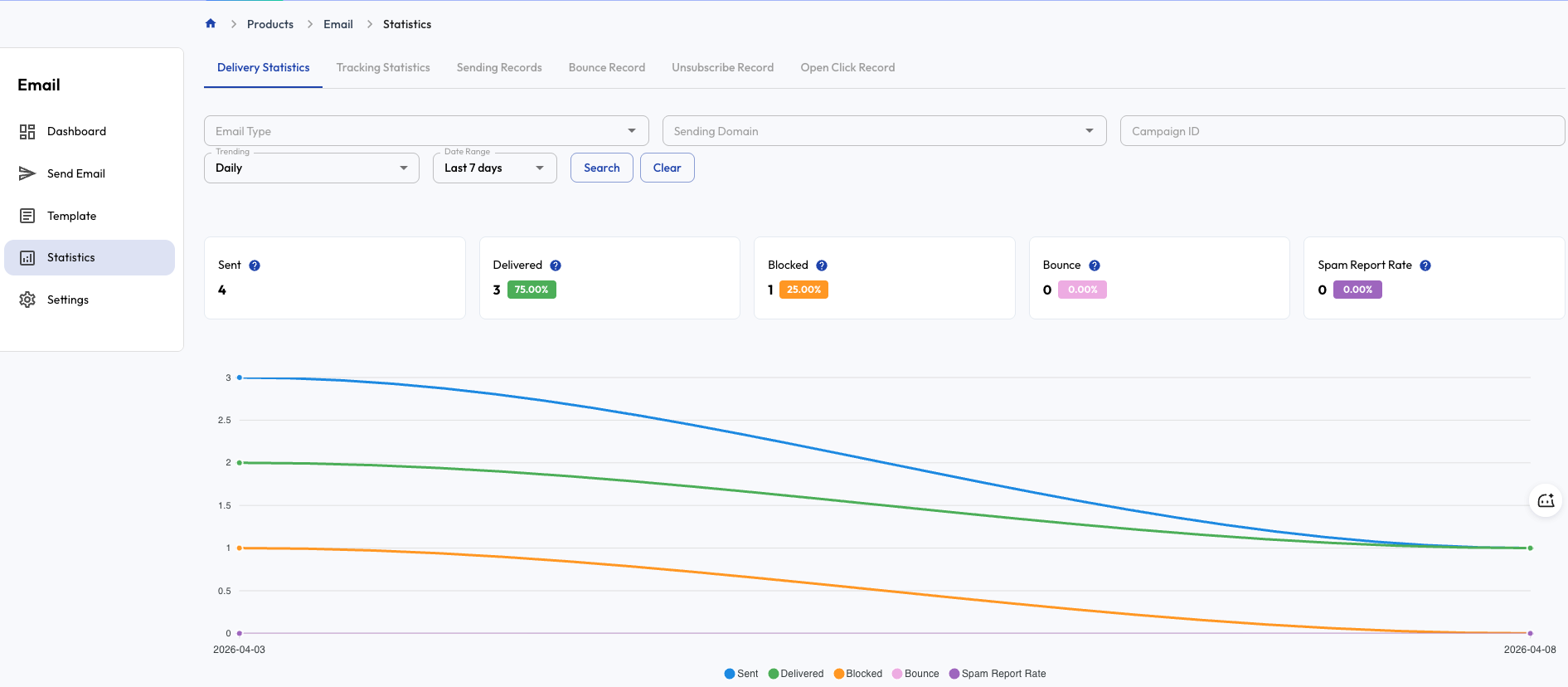
3. Data analytics
4. Troubleshooting
How to check your local/public IP
# Browser
Open `https://ip.me` or `https://ifconfig.me` to view your outbound public IP.

# macOS
curl ifconfig.me
# or
curl ipinfo.io/ip

# Linux
curl ifconfig.me
# or
curl ipinfo.io/ip

# Windows (PowerShell)
(Invoke-WebRequest -UseBasicParsing ifconfig.me).Content
# or
curl ifconfig.me