Send email via HTTP with a template
1. Sign in to the console
Visit and sign in to the uSpeedo Console.
If you do not have an account yet, please register first: uSpeedo Sign Up.
2. Resolve your domain and create a Sender
We strongly recommend using your own sending domain for email delivery.
Add your sending domain. Follow Domain authentication.
Or you can use the platform domain for relay sending. Get sender addresses in Email Settings.
3. Create a template
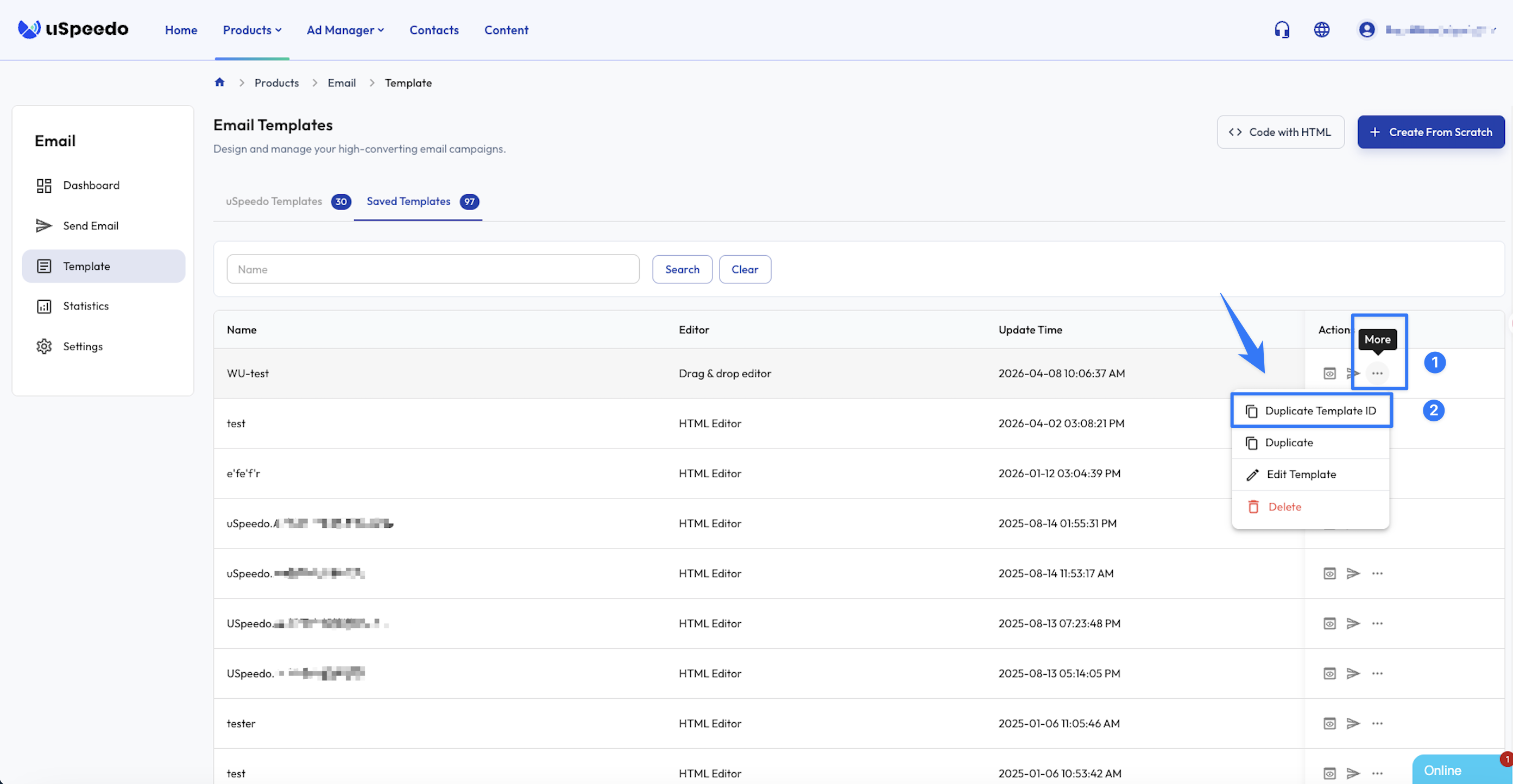
Go to the Template management page. Create a new template using HTML or the drag-and-drop editor, then copy the template ID after saving.
Notes
- Template variables
Use {1}{2} style placeholders in HTML templates or drag-and-drop templates. Replace them by passing parameters in the send request.
- Unsubscribe
If you want a custom unsubscribe entry, use %%user_defined_unsubscribe_link%% as shown below:
<p>
  If you want to unsubscribe, click
  <a href="%%user_defined_unsubscribe_link%%">here</a>
</p>
4. Obtain API keys
Open the Email product Settings page in the console and click Create New Key to generate ACCESSKEY_ID and ACCESSKEY_SECRET.
5. Call the API
Use our API for testing: Start debugging.
6. View sending data
You can view delivery records in Email analytics. If a send fails, expand the row to check failure details.

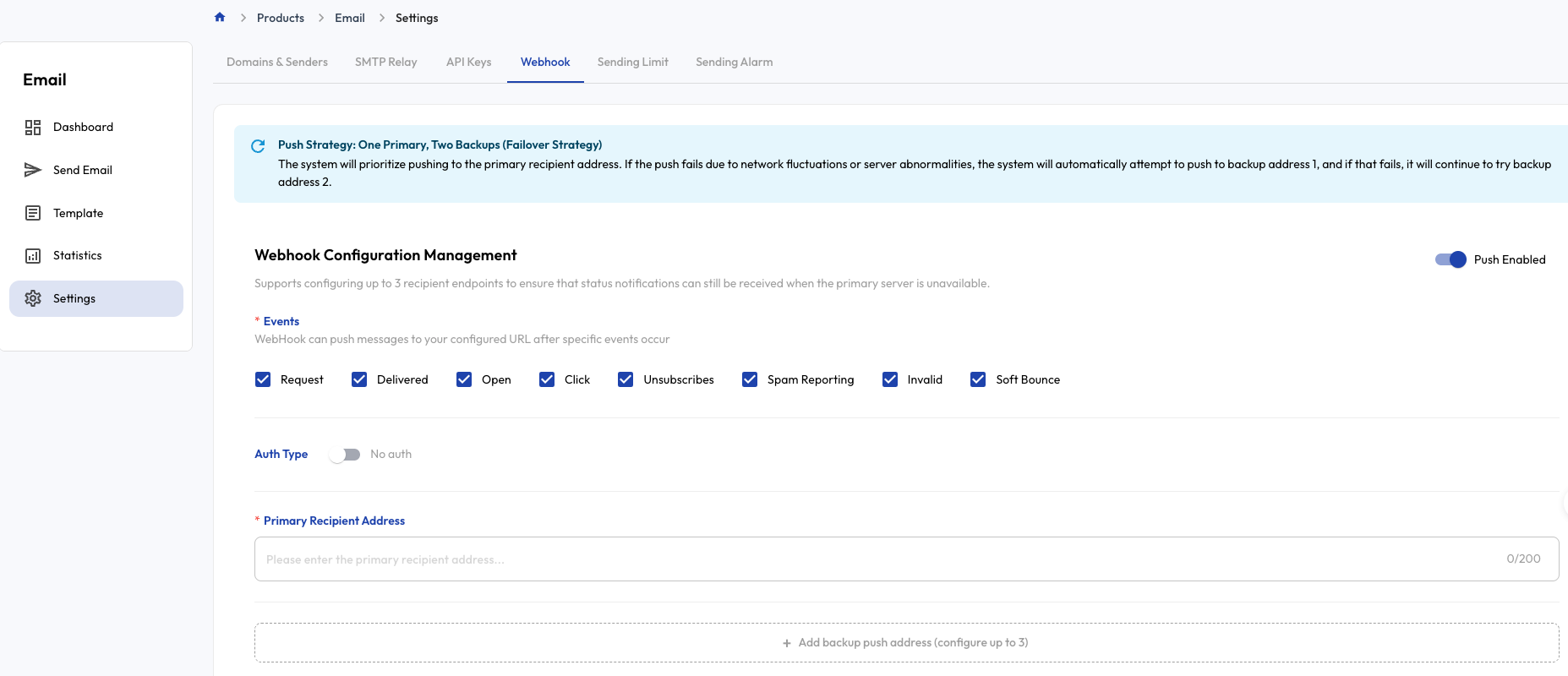
7. Webhook receipts