How to Add a Primary Domain or Subdomain in GoDaddy?
Overview
This guide will walk you through adding a root domain or subdomain in GoDaddy and configuring the DNS records required by uSpeedo, including:
- SPF
- DKIM
- MX
- DMARC
Prerequisite: You already have a GoDaddy account.
If you encounter issues during configuration, we recommend contacting GoDaddy official support.
I. Choose Root Domain or Subdomain
Before you start, you need to decide: 👉 Use a root domain or a subdomain?
Examples
- Root Domain:
- example.com
- google.com
- Subdomain:
- mail.example.com
- sc.example.com
Recommendation
👉 We recommend using a subdomain as your sending domain (better for reputation isolation).
After making your selection:
- Add the domain in the uSpeedo Console
- The system will automatically generate the corresponding DNS records
II. Add Domain to GoDaddy
You can add a domain in the following ways:
Method 1: Register a New Domain
- Log in to GoDaddy
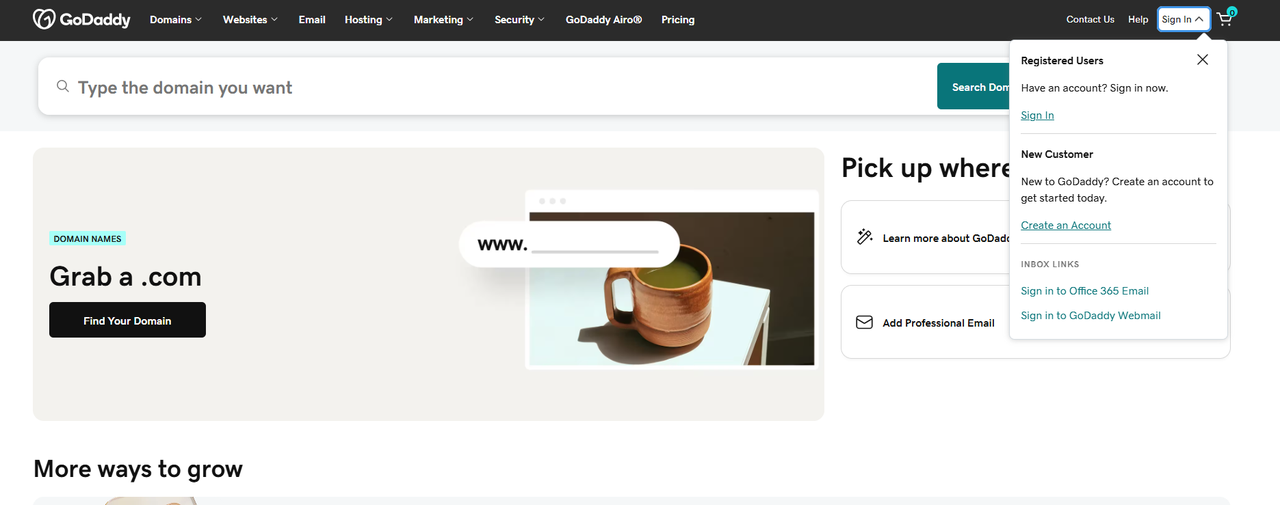 2. Enter the domain you want to purchase
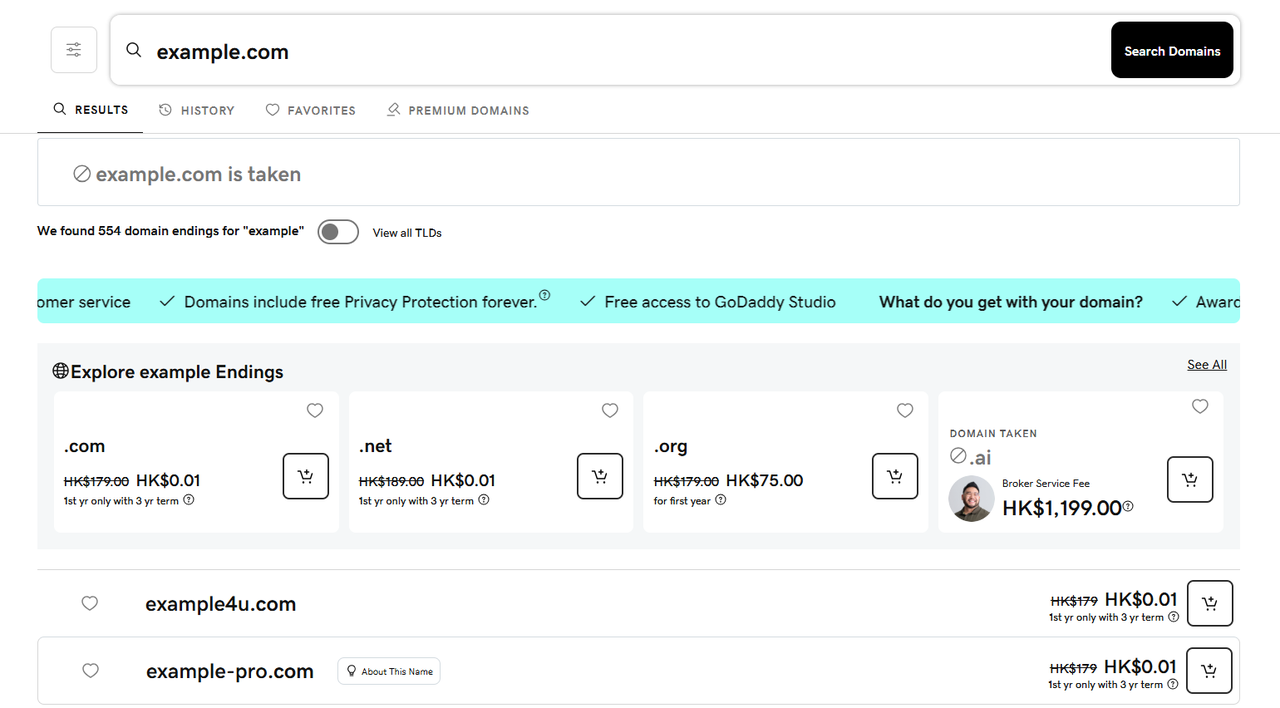 3. Complete the purchase process
Method 2: Use an Existing Domain (Recommended)
If your domain is registered with another registrar:
- Log in to GoDaddy
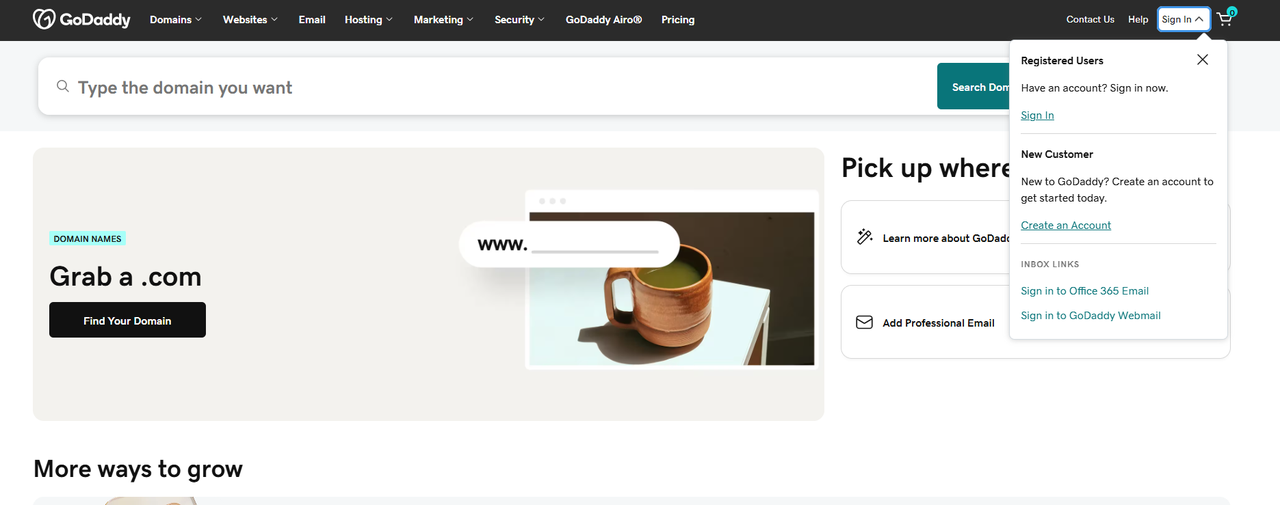
- Add DNS Hosting
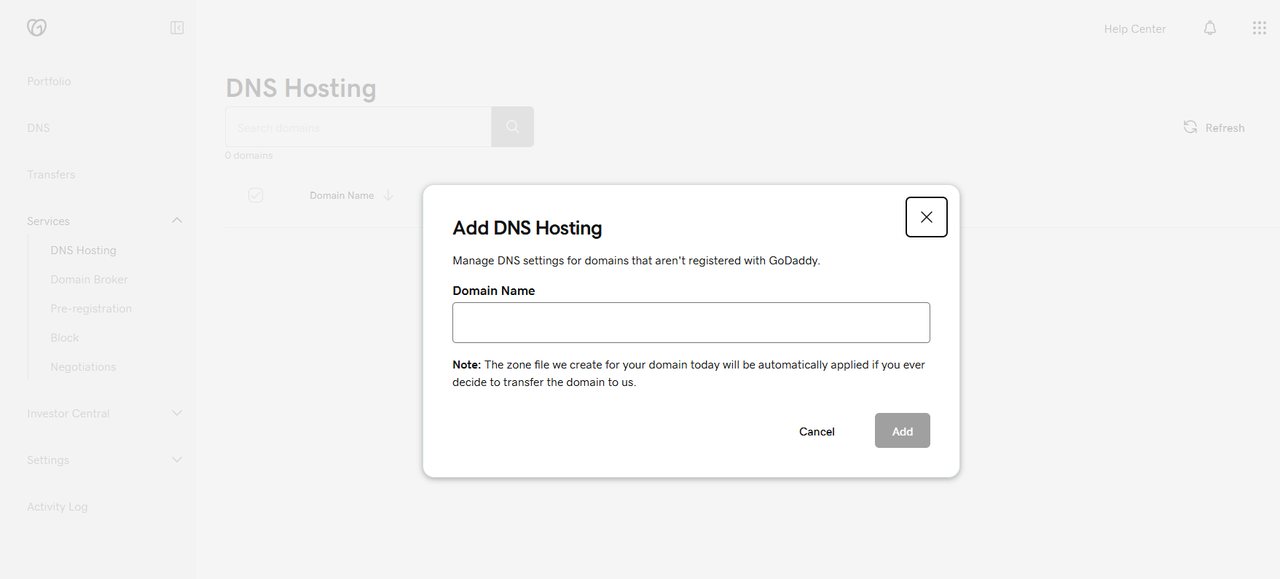
- Enter the domain and click Add
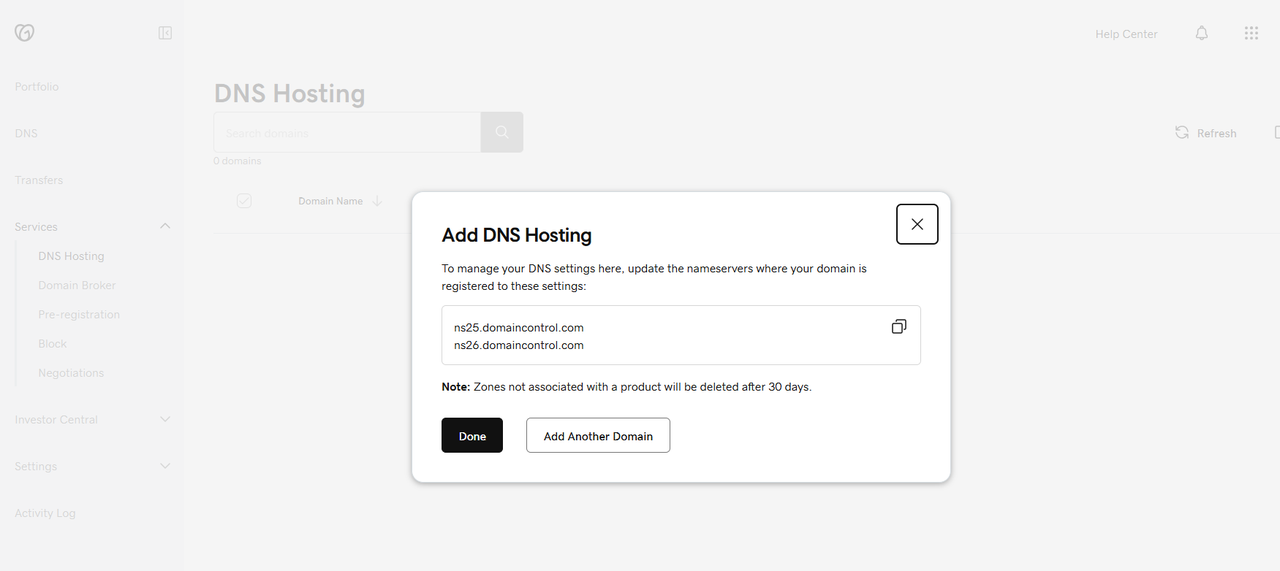
- You may skip modifying NS records for now
- You will need to update NS records at your original registrar later (otherwise they will not take effect)
⚠️ Note: 👉 If you do not update NS records, uSpeedo DNS will not work (Aurora uSpeedo Documentation)
III. Access the DNS Configuration Interface
Path:
- Log in to GoDaddy
- Go to Domain Management
- Select your domain
- Click Manage DNS
- Click Add Record
IV. SPF Configuration
Purpose
Prevent sender spoofing and improve email deliverability.
Root Domain SPF
| Field | Value |
|---|---|
| Type | TXT |
| Host | @ |
| Value | v=spf1 include:sendcloud.org ~all |
| TTL | 600 |
📌 Note:
If an SPF record already exists:
Insert the following between v=spf1 and ~all:
include:sendcloud.org
Subdomain SPF
| Field | Value |
|---|---|
| Type | TXT |
| Host | Subdomain prefix (e.g., sc) |
| Value | v=spf1 include:sendcloud.org ~all |
| TTL | 600 |
V. DKIM Configuration
Purpose
Verify email signatures and prevent email spoofing.
Root Domain DKIM
| Field | Value |
|---|---|
| Type | TXT |
| Host | sendcloud._domainkey |
| Value | k=rsa; p=your_public_key |
| TTL | 600 |
📌 Note: The selector may vary, for example:
- default._domainkey
- sc._domainkey 👉 You must use the value provided in the console (Aurora uSpeedo Documentation)
Subdomain DKIM
| Field | Value |
|---|---|
| Type | TXT |
| Host | sendcloud._domainkey.subdomain_prefix |
| Value | k=rsa; p=your_public_key |
| TTL | 600 |
VI. MX Record Configuration
Purpose
Designate the mail servers responsible for receiving emails.
Root Domain MX
| Field | Value |
|---|---|
| Type | MX |
| Host | @ |
| Value | mx.sendcloud.org |
| Priority | 10 |
| TTL | 600 |
📌 Note: 👉 Only keep the uSpeedo MX record. Other MX records may cause abnormal email reception.
Subdomain MX
| Field | Value |
|---|---|
| Type | MX |
| Host | Subdomain prefix |
| Value | mx.sendcloud.org |
| Priority | 10 |
| TTL | 600 |
VII. DMARC Configuration
Purpose
Prevent email fraud and enforce policy controls.
Root Domain DMARC
| Field | Value |
|---|---|
| Type | TXT |
| Host | _dmarc |
| Value | v=DMARC1; p=none; rua=mailto:xxx; ruf=mailto:xxx; fo=1 |
| TTL | 600 |
Parameter Explanation
v=DMARC1: Protocol versionp=none: Monitor modep=quarantine: Send to spam/junk folderp=reject: Reject the email directlyrua: Aggregate report addressruf: Forensic failure report addressfo=1: Failure trigger mechanism
Subdomain DMARC
| Field | Value |
|---|---|
| Type | TXT |
| Host | _dmarc.subdomain_prefix |
| Value | v=DMARC1; p=none; rua=mailto:xxx |
| TTL | 600 |
VIII. NS (Nameserver) Explanation
If you: 👉 Migrate from another DNS service to GoDaddy
You must:
- Update the NS records at your domain registrar
Otherwise: ❌ DNS configuration will not take effect (GoDaddy)
IX. Notes
- DNS examples are for reference only; always use the actual values from the console
- Propagation time:
- Typical: a few minutes
- Maximum: 24–48 hours (GoDaddy)
- Recommended TTL:
- Initial: 300–600
- Can be increased after stabilization
X. FAQ
1. Verification failed?
Check:
- Whether NS records point correctly to GoDaddy
- Whether DNS records match exactly
- Whether conflicting records exist
2. Why is a subdomain recommended?
👉 Benefits:
- Isolate sending reputation
- No impact on the root domain (official website / brand)
- More suitable for marketing emails